Nexla React SDK
Embed Nexla-powered integrations directly into your React application. Your end users connect their SaaS accounts — Salesforce, Google Drive, HubSpot, Asana, and hundreds more — without leaving your product. Nexla powers the data flows behind the scenes, moving data between your users' accounts and your platform automatically.
The SDK offers three levels of integration, so you can choose the right trade-off between developer lift and experience control:
- Drop-in Components — Pre-built connector grid, connect buttons, and credential modals. The SDK renders everything. Customize the look with theming and CSS variables.
- Hybrid — Mix SDK components with your own UI. Design your own connector cards and page layout; let the SDK handle the credential modal and OAuth flows.
- Headless — Bring your own UI. The SDK provides hooks to load fields and manage state; you render with any HTML elements you choose. Full design control, no SDK UI required.
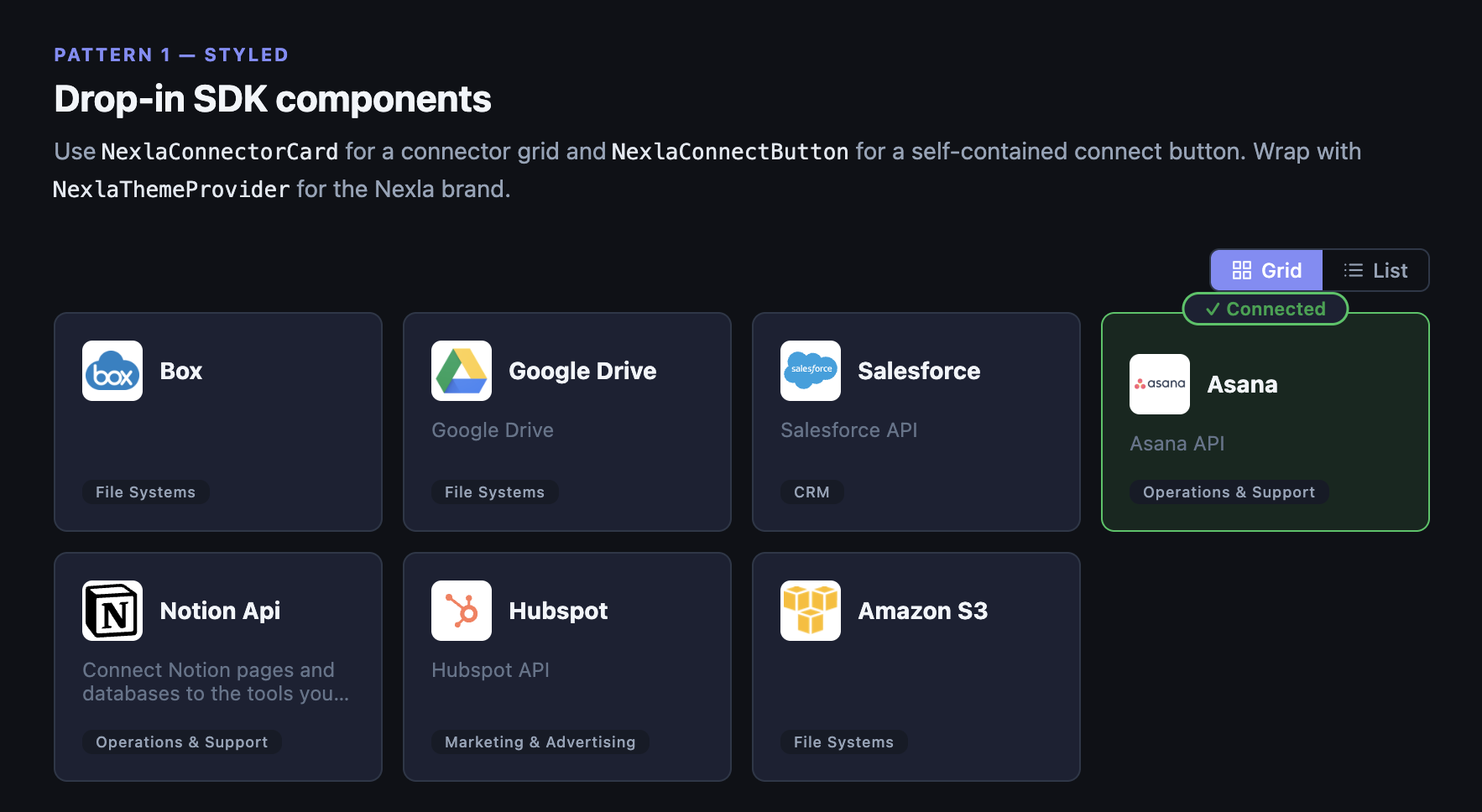
Connector grid — drop-in components (dark mode)
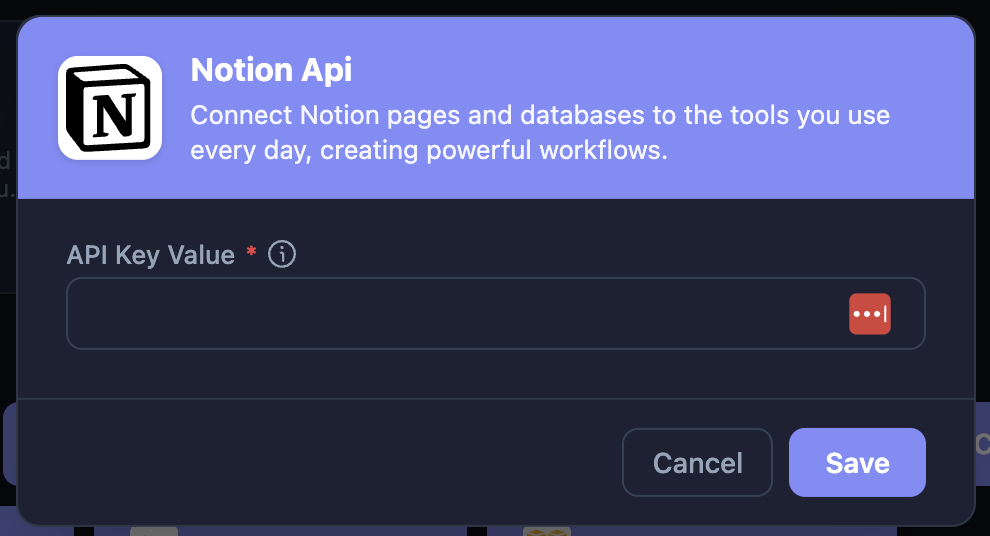
Credential modal — renders automatically on connect
Get Started in 3 Steps
1. Install the package
npm install @nexla/react-sdk
2. Register an SDK Application in the Nexla UI under Settings → SDK Applications
3. Add the provider and a connect button
<NexlaConnectProvider
  serviceKey="YOUR_SERVICE_KEY"
  connectors={['CONNECTOR_KEY_1', 'CONNECTOR_KEY_2']}
  applicationId="YOUR_APPLICATION_ID"
  endUserId="YOUR_END_USER_ID"
>
  <NexlaThemeProvider>
    <NexlaConnectButton connector="CONNECTOR_KEY_1" />
  </NexlaThemeProvider>
</NexlaConnectProvider>
The button renders the connector logo, opens a credential modal, and handles OAuth automatically.
What You Can Build
- Integration marketplaces — A grid of connectors users browse and connect
- Settings pages — "Connected Accounts" section for managing integrations
- Onboarding wizards — Guide users through connecting data sources during setup
- Automated data pipelines — Collect credentials to power Nexla flows that move data between your users' accounts and your platform
Next Steps
- Ready to code? → Quick Start
- Full reference → React SDK Reference